
Guides → Practical guides
How to build an IT asset register that makes disposal easy
Almost every disposal problem goes back to the asset register: a device nobody recorded, a serial number captured wrongly, or a laptop marked "in use" two years after it was shredded. You don't need an expensive system to get this right. You need the right fields, recorded at the right moments.
Why disposal depends on the register
A destruction certificate proves that certain serial numbers were destroyed. It can't tell you whether those were all the serial numbers you needed destroyed. Only the register can answer that, by giving you a list to reconcile the certificate against. Without one, a missing laptop is invisible, and in audit terms, invisible gaps are the worst kind.
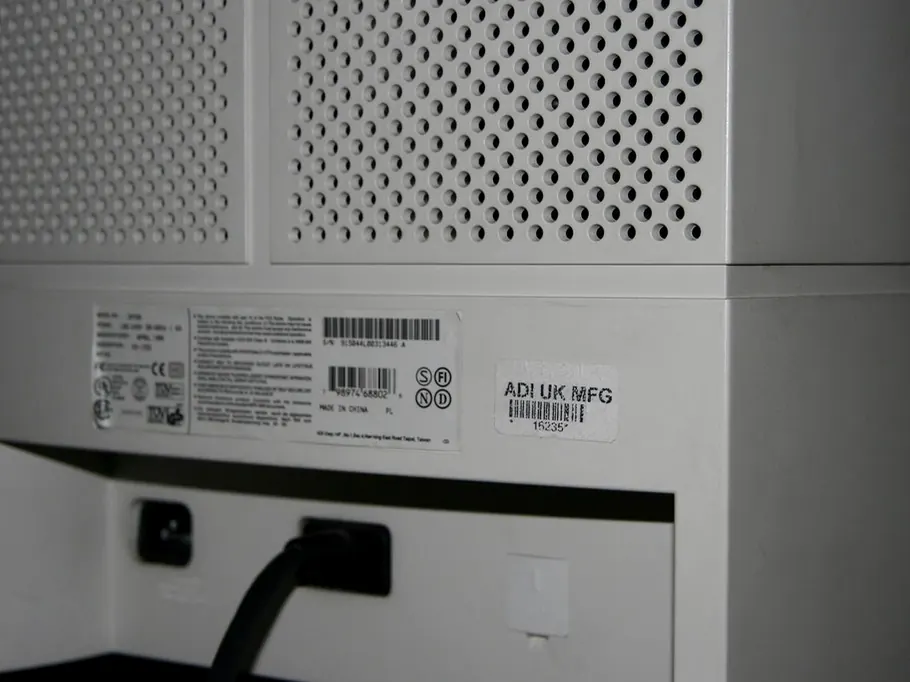
The fields worth recording
| Field | Why it matters at disposal |
|---|---|
| Asset tag | Your own reference, so the asset stays identifiable even if a label is damaged |
| Device serial | The manufacturer's identifier, and what most certificates list |
| Storage serial(s) | The drive inside has its own serial. Record it too if you can, because drives get swapped |
| Storage type | HDD, SSD or soldered flash. This decides the destruction method |
| Make and model | Makes the record readable long after the device is gone |
| Assigned user and location | Tells you who to chase when something goes missing |
| Encryption status | Tells you how much risk a missing device really carries |
| Recovery key reference | So the key can be retired once destruction is certified |
| Status | Where the asset sits in its life, from a fixed list (below) |
| Disposal record | Date, method, certificate number and transfer note reference |
Use a fixed list of statuses
Free-text status fields are where registers go wrong. Stick to a short, fixed list, and make each change a deliberate step:
- In use, assigned to a named person or location
- In store, spare or awaiting redeployment, with its storage location
- Awaiting disposal, retired and physically quarantined
- Collected, handed to the disposal supplier, with a transfer note reference
- Destroyed or Resold, closed with a certificate reference
- Lost, investigated, with a note of any breach assessment
The gap between "Awaiting disposal" and "Collected" is where things go missing. Keep that stage short, and keep the equipment locked away while it's in it.
When to capture the data
The best moment is when you buy the device. Most suppliers can send serial numbers with the delivery, and management tools such as Intune, Jamf or your RMM platform pick up device serials automatically once machines are enrolled. The worst moment is disposal day, when serials are read off grubby labels in a hurry.
Two things automation usually misses:
- Loose drives. Disks pulled from servers, failed laptop SSDs and replacement drives never appear in a device-management tool. Keep a simple log for them, and a locked box.
- Unmanaged devices. Printers, network storage, test machines and anything that never joined the domain.
Reconcile every collection
When the certificate arrives, compare its serial list with the list of assets you marked "Collected". Three results are possible:
- Match: mark the assets destroyed or resold and add the certificate number.
- On your list but not the certificate: query it with the supplier straight away.
- On the certificate but not your list: you had an asset you didn't know about. Add it and close it, and ask how it slipped through.
Doing this within a week of each collection takes minutes. Doing it for an audit eighteen months later can take days. There's more on what the certificate itself should show in what a certificate should contain.
A spreadsheet is fine
For a small or medium organisation, a well-kept spreadsheet with a locked status column beats an asset management platform nobody updates. Worry about sophistication once the discipline is in place.
Want a head start? We log every device by serial when we collect it, and you can import that list straight back into your register.
Book a collection